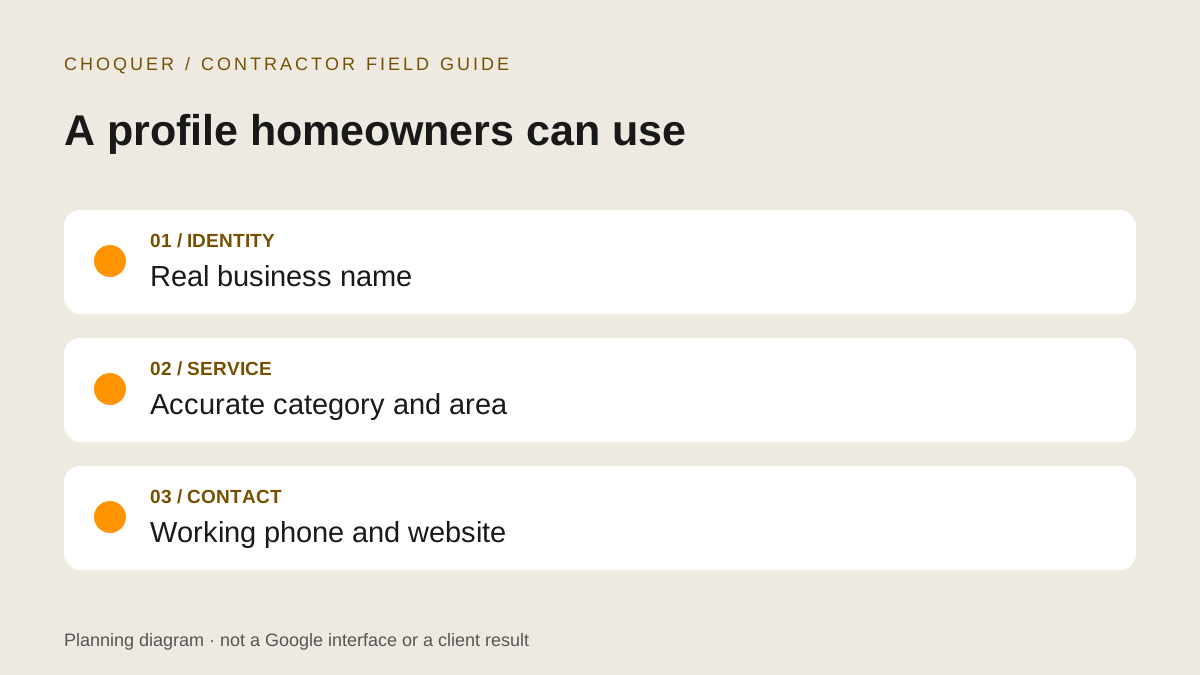
Start with one accurate profile
This guide is for contractors who visit customers or have an eligible customer-facing location. A Google Business Profile is not a substitute for a website, and adding more profiles is not a sensible way to cover more towns. First search for your business on Google and Maps, confirm whether a profile already exists, and establish authorized owner or manager access before editing it.
Keep an internal record of the profile link, responsible owner, current fields and changes made. Do not share sign-in credentials with a supplier; use Google's profile access controls. Our broader local SEO guide for contractors covers service pages, project proof and search measurement. Here, the job is narrower: make the profile itself accurate and usable.
Choose the right location setup
If you travel to jobs and do not receive customers at your base, use a service-area setup and hide the address. A home office does not become a public showroom simply because it is your registered address. A hybrid business receives customers at its location and also travels to them; showing a location requires genuine eligibility, including permanent signage and the appropriate customer-facing staffing.
Google allows up to 20 named service areas, such as cities or postal codes, rather than a radius. It generally advises an overall area within about two hours' drive of the base. Use your actual delivery limits. See Google's service-area instructions.
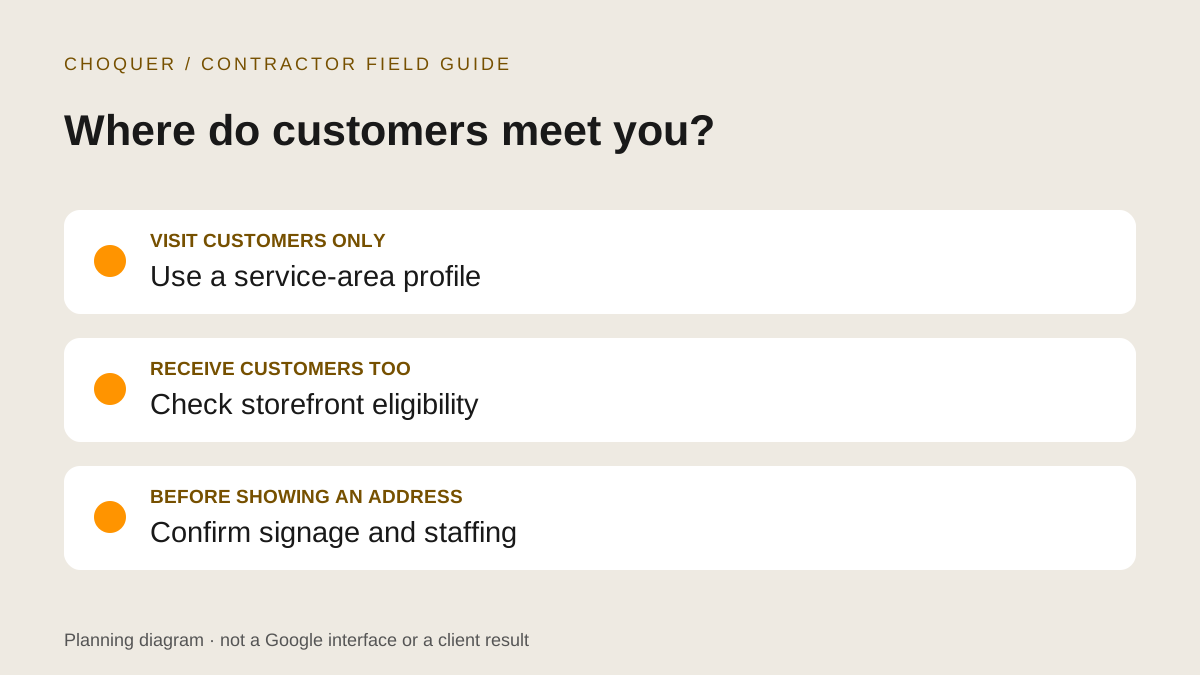
Example: a mobile renovation team
A team that works at homeowners' properties can list the communities it reliably serves without publishing its home address or creating a profile for every city. This is a planning example, not a description of a Choquer client or a promise of visibility across those communities.
Review the fields a homeowner relies on
Use your established real-world business name. Do not append “best contractor,” phone numbers or target cities to chase searches. Pick a primary category that describes the core business, then only additional categories that genuinely fit. The description should explain your work clearly; Google excludes links and promotional price-led content from that field. Check Google's business representation guidelines before making identity or location changes.
- Services: list work you actually accept. Be clear on your website about exclusions, project minimums and the estimate process where those are established.
- Phone: use a working business number that reaches the team responsible for enquiries. Test the website's tap-to-call link too.
- Website: send people to a relevant, working page on your own site with matching identity and services.
- Hours: publish the hours appropriate to your operation and keep holiday exceptions current. Do not imply round-the-clock service unless you provide it.
After editing, compare the saved fields, public Search or Maps view and your website. Save a dated note of discrepancies. A field visible in the editor is not sufficient evidence that Google has published it.
Use real work photos and honest reviews
Choose genuine, permission-cleared project and team photographs. For a contractor, a useful set might show the finished work, a relevant detail and the team at work safely. Avoid exposing a customer's house number or personal information. Keep a note of permission and which job each photograph represents.
Upload your current logo through the photo controls. A chosen cover image is not guaranteed to become the first displayed photo; see Google's photo and video instructions. Illustrations in an article can explain a process, but should not stand in for completed client work on a profile.
Invite genuine customers to share an honest experience without rewards or pressure. Do not filter requests to happy customers or ask for a specific rating. Reply professionally without disclosing project disputes or private customer details. Google's fake-engagement policy prohibits incentivized and manipulated reviews.
If an edit is pending or rejected, record it first
Before another edit, capture the field, submitted value, date and exact status. For a rebrand, gather authentic evidence of the current public identity and business continuity. Do not create documents that imply a trading name is registered when it is not.
Google provides different routes for different restrictions and regions. Its appeals guidance directs businesses outside the UK and EEA, including Canada, to Contact us for rejected information edits. Avoid duplicate appeals while awaiting a decision. A support submission is a request for review, not approval of the new name.
Connect profile activity to actual enquiries
Start by testing the destination page on a phone: can someone understand your scope, see genuine proof and submit an estimate request? A relevant landing page with a working contact path is more useful than a profile click ending at a vague homepage.
For a tagged website link, an example is ?utm_source=google&utm_medium=organic&utm_campaign=google_business_profile. Append it carefully to the correct destination URL and test redirects. Keep campaign naming consistent in analytics and preserve attribution through accepted forms and confirmed bookings where your systems support it. Do not put personal information into tracking parameters.
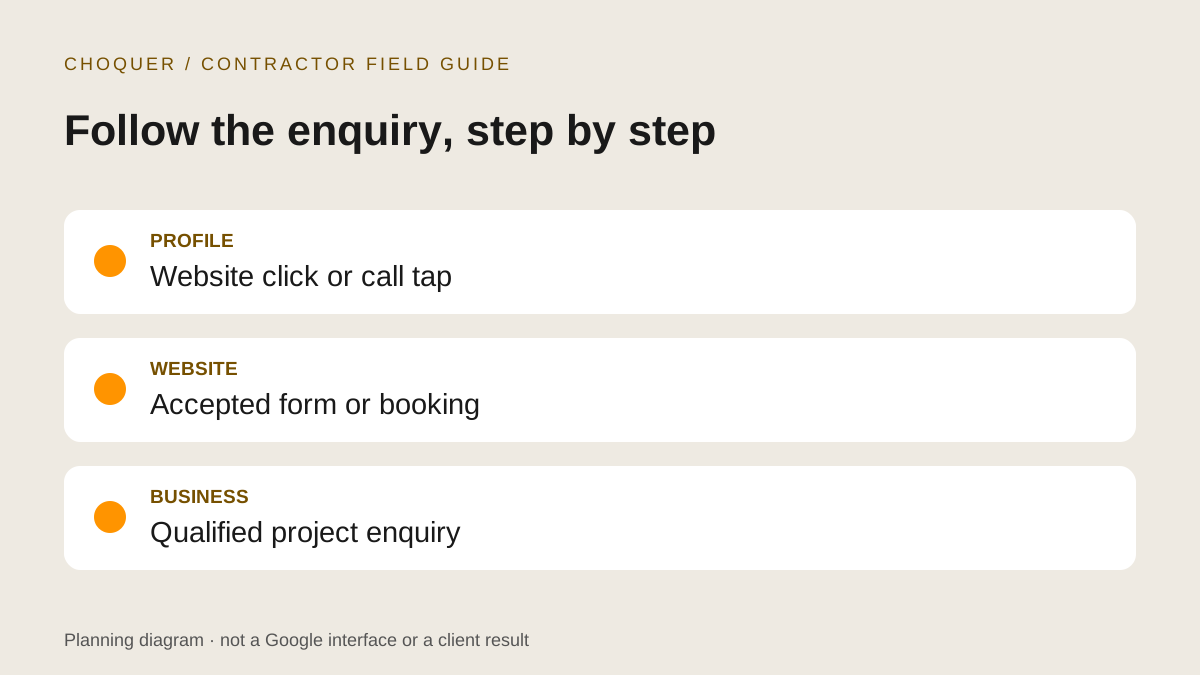
Google's performance definitions count calls as call-button clicks and website clicks as link clicks. Those are not completed phone conversations or signed jobs. Available metrics differ by business, and profile reporting can include Google Ads activity as well as organic activity. Compare consistent date ranges and keep website analytics and lead records separate.
A manageable monthly routine
- Check public identity, contact fields, hours and service areas against how you operate now.
- Add approved recent work when useful, respond to genuine reviews and record outstanding edits.
- Test the mobile website and estimate path; inspect accepted submissions rather than counting button taps as leads.
- Review relevant enquiries and their fit before expanding coverage or changing the offer.
Need help connecting the profile to your website?
Our contractor SEO service and local SEO service connect accurate local information with useful service pages and an enquiry path. See the Markley Construction case study for separately documented website and organic-search work; it is not evidence of a GBP ranking result.
Bring your profile link, website URL and ideal project scope to a complimentary 30-minute website audit with Bryce. We'll identify practical next steps without promising a map-pack position.